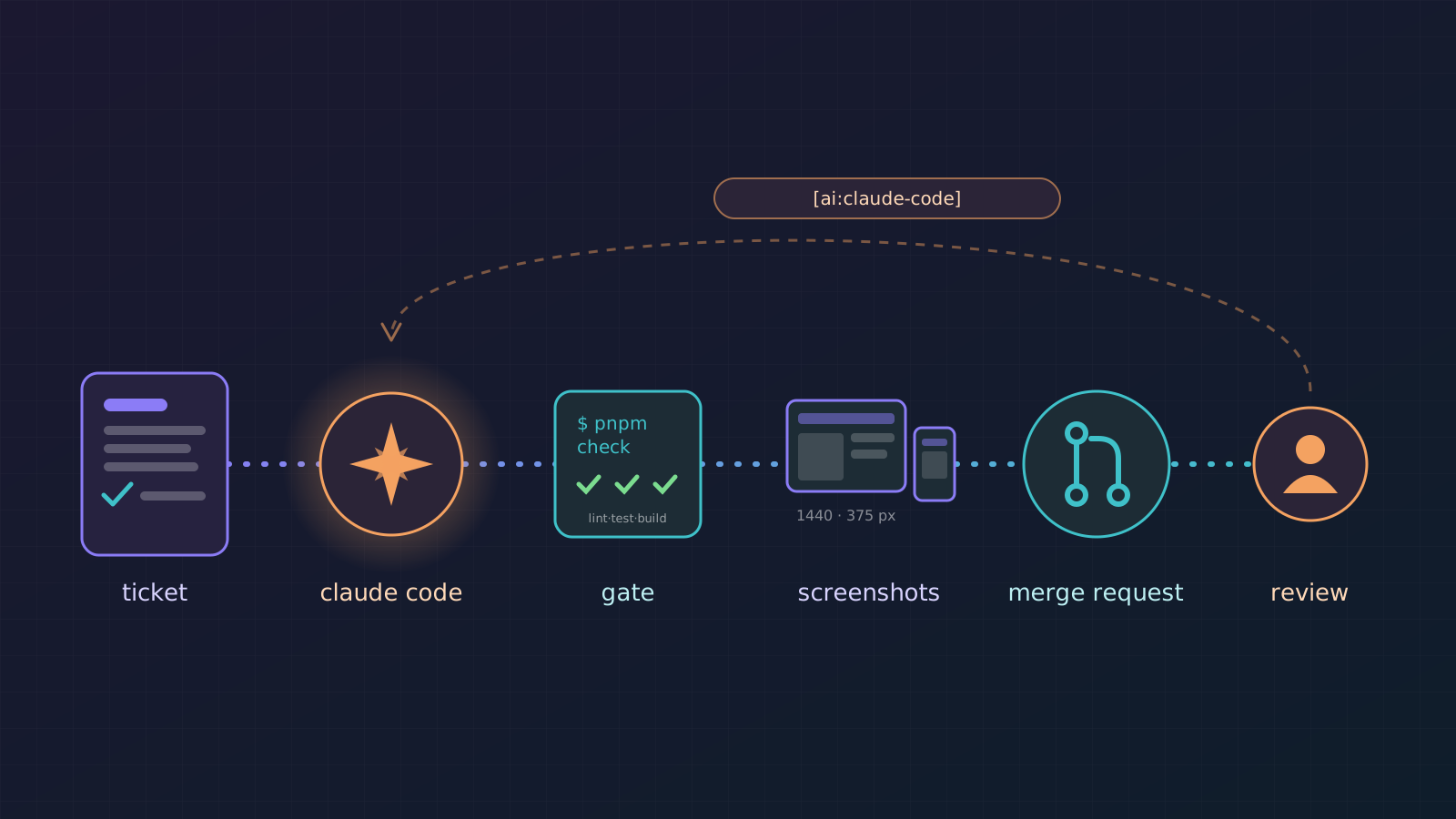
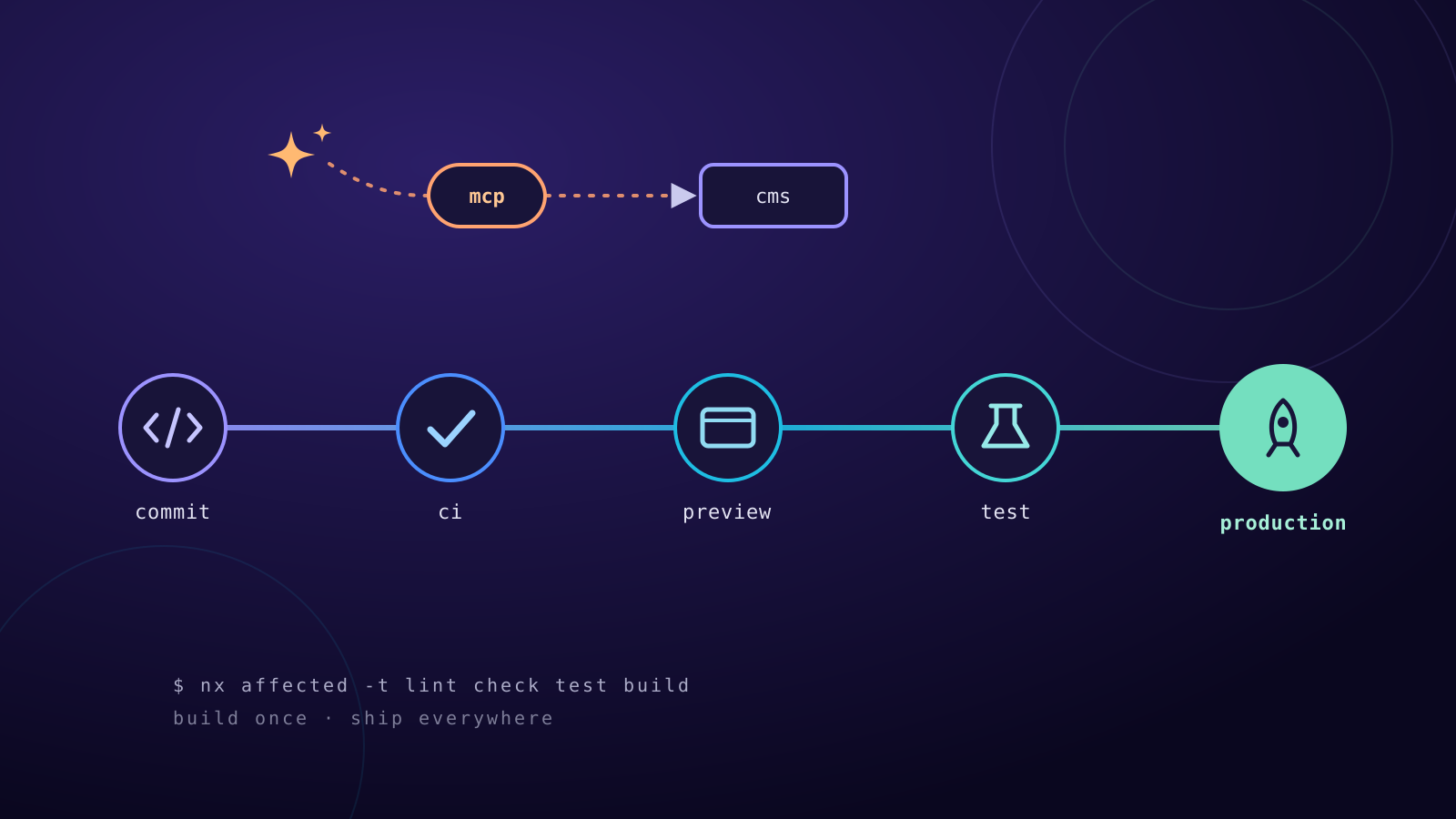
This website now has a game mode
A little pixel figure walks across the page, jumps onto links and into the menu, punches things to pieces and drifts a car that now and then pulls up on its own. Why I built it and how it works.
· 5 Min. Lesezeit
AI-generated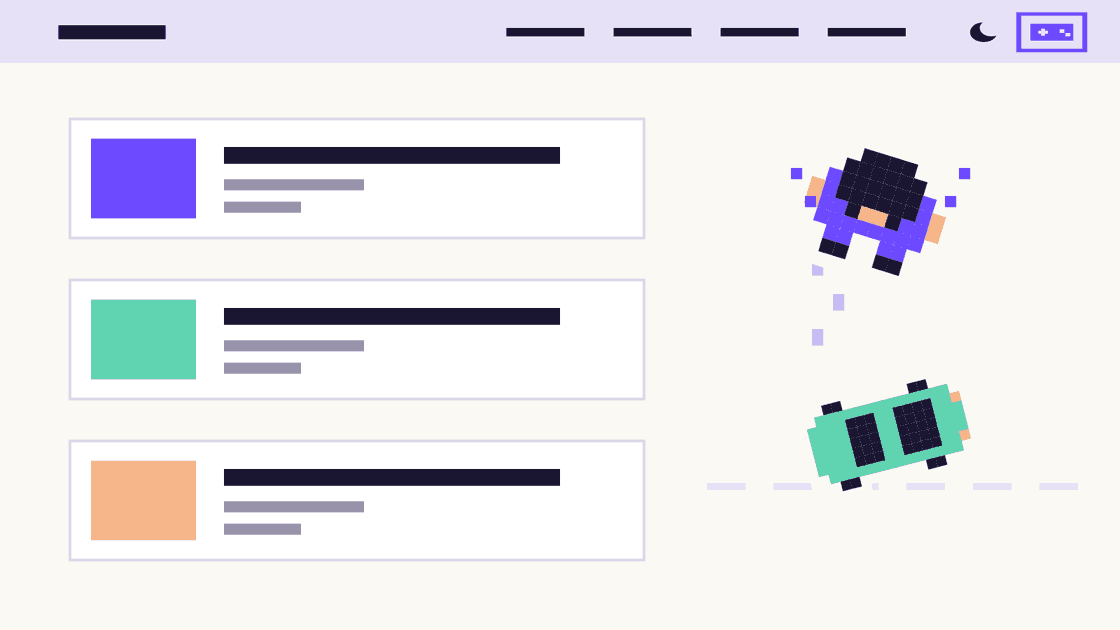
At the top right, next to the dark mode switch, there is a new icon: a small gamepad. It gives you a pixel figure, seen from above, that walks across the website. The mode is off by default.
How to turn on the game mode
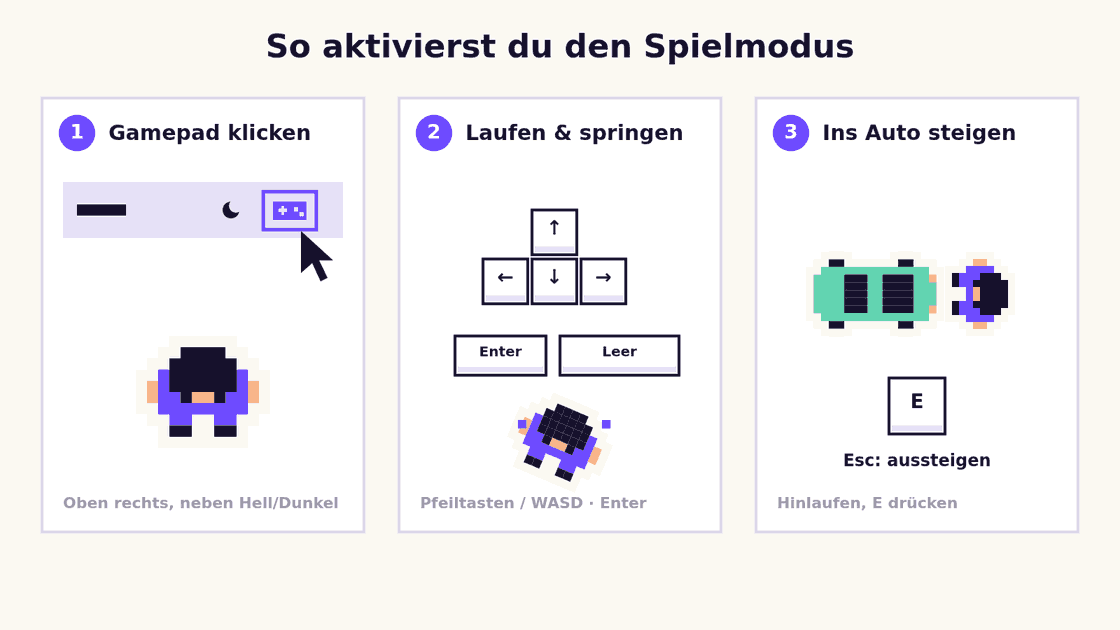
- Find the gamepad icon: on a computer it is at the top right of the header, right next to the light/dark switch. On a phone, tap the menu first (the three lines at the top right); it is at the very bottom.
- Click or tap it once: the figure appears in the middle of the window, and a short hint about the controls shows at the bottom. On a phone you also get a d-pad and a jump button.
- Start walking: arrow keys or WASD walk, Enter or space jumps. If the figure lands on a link, it opens.
- Wait for the car: after a while a car drives in. Walk up to it and press E to get in.
- Exit: Esc (on foot), the cross in the hint box or the gamepad icon again.
If the car drops by on its own while the mode is off, just click “Get in” in the notice at the bottom.
On foot
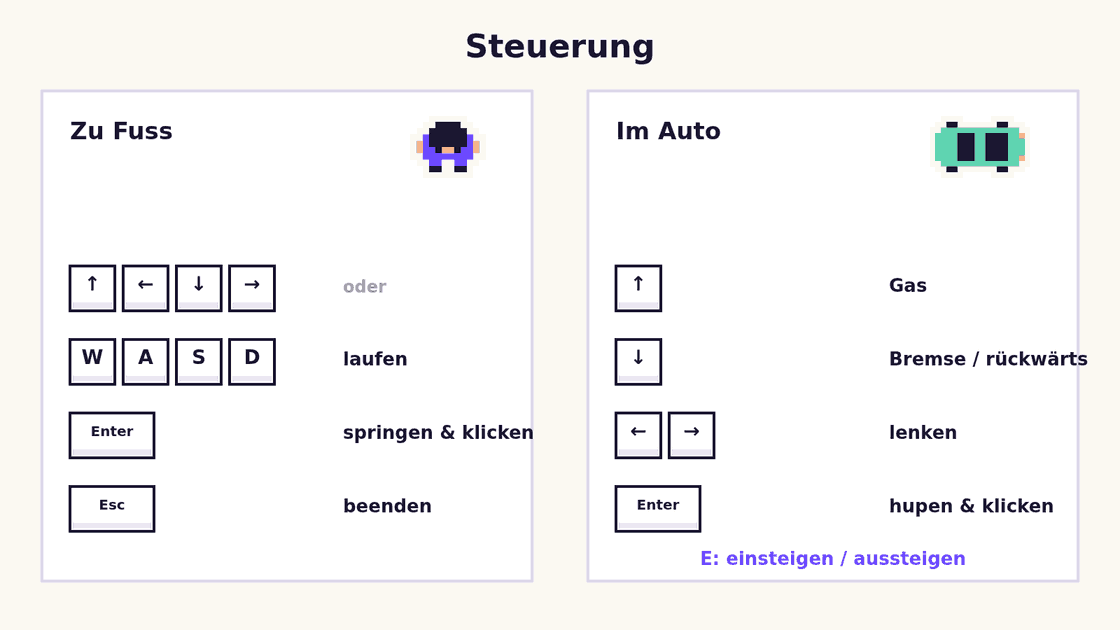
- Walk: arrow keys or WASD. On a phone, a d-pad appears at the bottom left.
- Jump: Enter or space, on a phone the “Jump” button.
- Click: the figure lands on whatever it is standing on. If that is a link, it opens. If it is a form field, you can start typing right away.
- Punch: F (on a phone “Punch”) throws a punch at whatever stands right in front of the figure. After one to three hits the element breaks into pixel shards: links and small buttons on the first hit, text on the second, images and cards only on the third.
- Menu: at the very top of the page the figure walks on into the header, where it can jump onto menu links, and on a phone onto the menu button.
- Scroll: when the figure reaches the edge of the window, the page scrolls along.
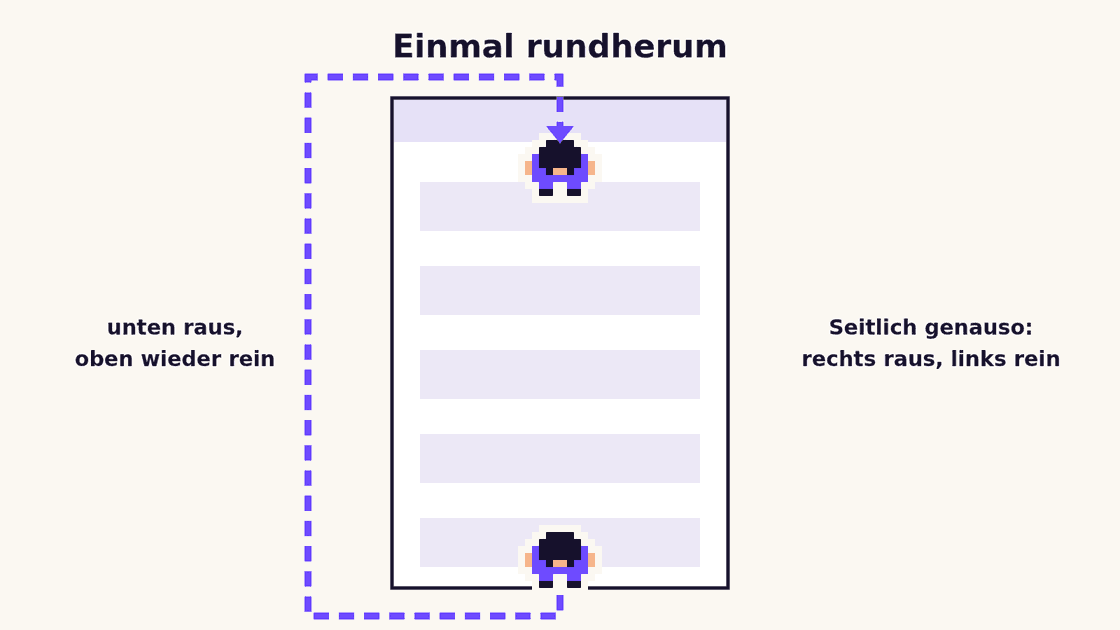
- All the way round: keep walking at the very bottom of the page and you come back in at the top. Out on the right, in again on the left, and the other way round.
- Clean up: the hint box counts how much is already broken. “Repair page” brings everything back, and so does a page change or ending the game. The header, menu and footer survive every punch, so you can always get out.
- Exit: Esc, the cross in the hint box or the gamepad again.
The car
After a while a small pixel car drives in and parks somewhere on the page. Walk up to it and press E (on a phone “Get in”).
- Drive: up is gas, down brakes and reverses, left and right steer. It only steers while it rolls.
- Drift: hold space or Shift (on a phone “Drift”). That’s the handbrake: the rear loses grip, the car turns in and slides sideways. It leaves tire marks on the page that fade after 20 seconds.
- Honk: Enter or H clicks whatever is under the car; on a phone you tap the car itself. So you can open a post with the car too.
- Get out: E or Esc. The car stays where you left it, and you can get back in any time.
Sometimes the car also pulls up on its own, without you turning the mode on: once per visit, at some point after the page loads. A notice at the bottom says “A car pulled up”. “Get in” lets you drive off right away; the cross sends it away. If your system is set to “reduce motion”, it never drops by.
Figure and car stay with you when the page changes, so you can jump onto a blog post and keep playing there.
New: configurable in the CMS
Since the last update, the game mode can be configured without touching the code, in the CMS under “Design → Interactive mode”:
- On or off: when the mode is off, the gamepad icon disappears too, and no car comes by.
- The car while playing: whether one drives in at all, and when. Right now it comes after 8 to 20 seconds.
- The visit on its own: whether the car drives in by itself once per visit, and when. Right now after 20 to 60 seconds.
The website picks the exact moment at random within that range. If a setting is missing or the CMS can’t be reached, the previous values simply apply. And anyone who has set “reduce motion” still never gets an unasked visit.
Why?
Honestly: because it is fun. A personal website is allowed to be playful. And I liked the challenge of adding it without breaking anything. The page stays just as usable with a mouse, keyboard or screen reader as before.
How it works
- Figure and car are drawn on a canvas that covers the whole page but lets every mouse click through, so you can keep clicking as usual.
- A jump or a honk is really a click: the website checks which element is underneath and activates it.
- The car has a little driving model: accelerating, braking, rolling out, drifting, and it steers more sharply the faster it goes. When it comes on its own, an autopilot drives it to a random parking spot.
- Punching only changes what you see right now. Broken elements are just hidden and keep their space, so the page doesn’t jump. In the CMS and for other visitors everything stays intact.
- For drifting, the driving model tracks a drift angle: with the handbrake pulled the rear wheels barely grip, and past a certain angle and speed they leave marks.
- The colors come from the site’s design system, so figure and car adapt to every color theme and to light or dark mode, with an outline so they stay visible everywhere.
- All the game logic (walking, driving, scrolling, wrapping round, autopilot) is separate from the drawing and covered by tests. Automated browser tests steer the figure into the menu, onto a blog post and into the car.
Try it
Click the gamepad at the top, punch your way through the page, wait for the car and pull a few drifts. “Repair page” makes everything good as new afterwards. Have fun!